
Recognition
Top 3 students
Highest course scores on Typing Master.
No rankings yet. Complete lessons to appear here.
Rankings
Leaderboard
Top students by total course score. Keep practicing to climb up!
Leaderboard is empty. Be the first to finish a lesson.
Practice guide
Typing tips
1. Home row first
Keep left fingers on A S D F and right fingers on J K L ;. Thumbs on the space bar.
2. Eyes on screen
Do not look down at the keys. Feel the raised bumps on F and J to find your place.
3. Accuracy before speed
You need 90%+ accuracy to unlock the next lesson. Slow and clean beats fast and messy.
4. Sit comfortably
Sit tall, wrists soft, elbows relaxed. Take short breaks between lessons.
Help
FAQs
How do I unlock the next lesson?
Finish every activity in the lesson with an average accuracy of 90% or higher.
Is my progress saved?
Yes. After registration your lesson results are stored so you can continue later on the same browser.
What if I score below 90%?
You can retry the lesson anytime. The next lesson stays locked until you pass.
Who can see the leaderboard?
Anyone on Typing Master can view Top 3 and the full leaderboard. Only your name, class, and scores are shown.
Student access
Join the typing course
New students register once. Returning students continue with their student code.

Learn typing
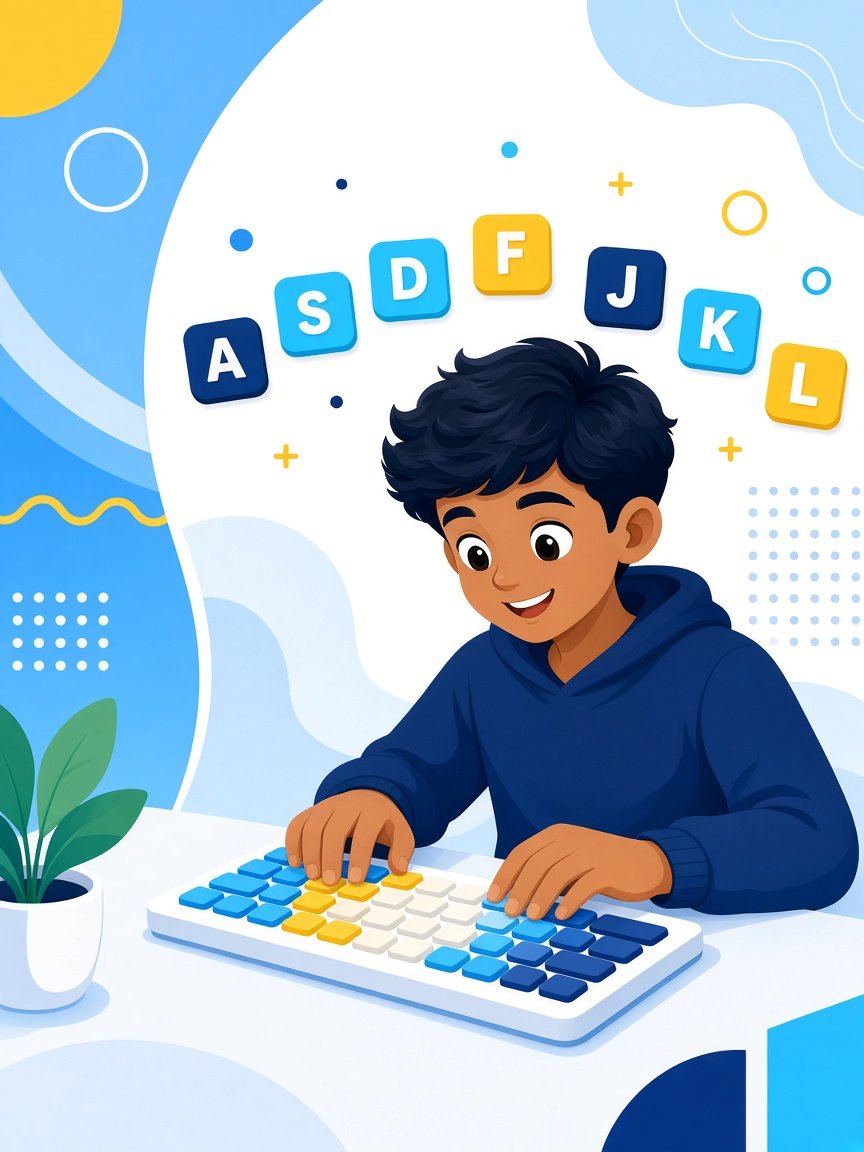
A–Z practice
Course map
Welcome,
Class · Complete lessons in order. Next stage unlocks at 90%+ accuracy.
Cleared
Score
Best %
Lesson :
Focus keys: · Pass with accuracy
Hands on home row…
Activity clear
WPM
Accuracy
Saving progress…
WPM
Accuracy
Stars